
Project Summary:
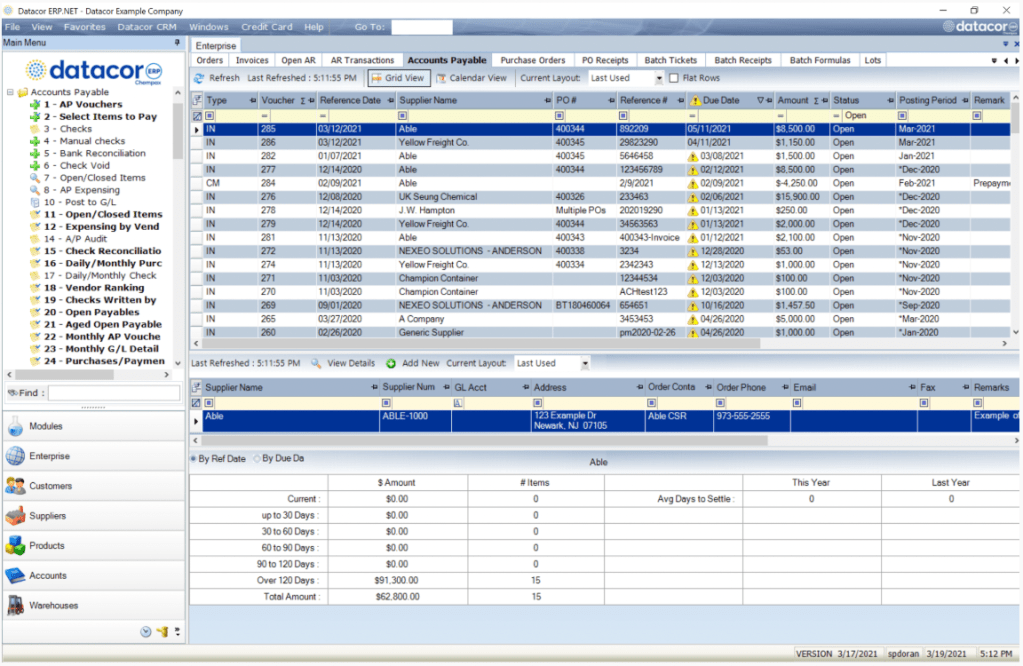
Datacor’s core ERP (Enterprise Resource Planning) software, essential for managing business processes like inventory, accounting, and customer relationships, faced significant user dissatisfaction due to unreliable processes and poor navigation. These issues led users to rely heavily on workarounds, which hindered productivity. This project aimed to identify and resolve these issues to enhance user experience, improve efficiency, and boost retention.
Key Outcomes:
- Identified User Pain Points: Unreliable workflows and poor navigation.
- Recommendations: Improved flexibility, navigation, and user interface design.
- Expected Impact: Enhanced user experience, increased customer satisfaction and retention.
Please Note: For this project I was under an NDA so I am unable to share research deliverables.
- Project Overview
- Overarching Problems
- Research Approach & Methodology
- UX Research Results:
- Key Insights and Recommendations:
- Project Impact:
- Citations:
Project Overview
Overarching Problems
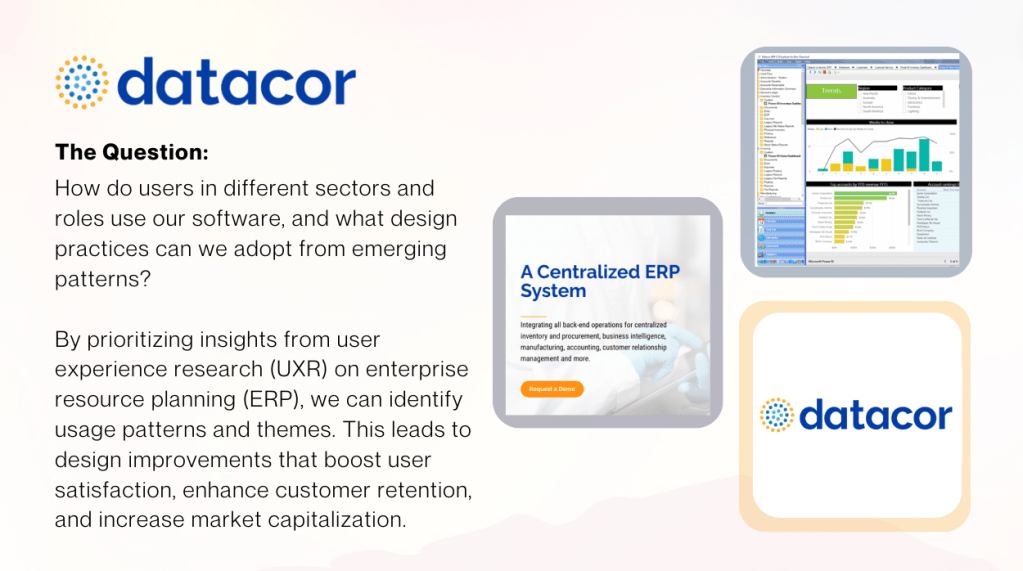
This project began as a response to feedback from Datacor’s sales team, highlighting significant dissatisfaction withThe project arose from feedback provided by Datacor’s sales team, pointing out dissatisfaction with the ERP system’s outdated feel and unreliable workflows. As the UX researcher, I examined user interactions across industries to identify pain points and uncover actionable insights. My goal was to understand the user experience, identify key issues, and suggest solutions to optimize the software for daily use.
Key Challenges Identified:
- Workaround-Heavy Reliance: Users had to depend on workarounds due to unreliable processes, leading to frustration and inefficiency.
- Poor Navigation: A confusing interface and inefficient navigation caused users to underutilize features and seek external support, which decreased productivity.
These challenges underscored the need to improve usability and navigation to enhance the overall user experience and drive adoption.
Research Approach & Methodology
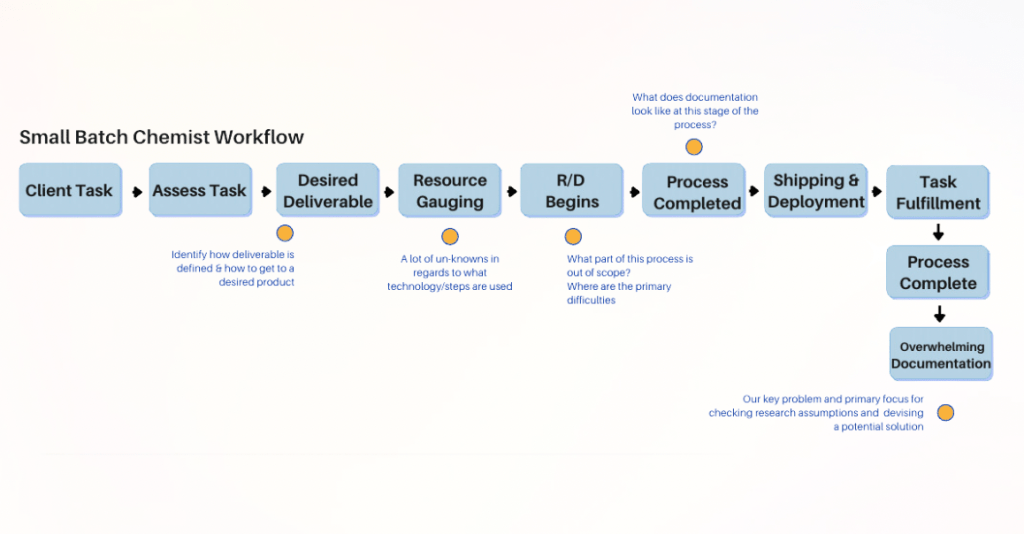
Given the limited timeframe and the need for actionable insights, I employed a mixed-methods approach to assess both system usability and user needs:
- Usability Testing (7 users):
Conducted in-depth testing to pinpoint pain points and collect real user feedback. - User Flow Mapping:
Analyzed user workflows to identify areas of confusion. - Heuristic Evaluations:
Applied Nielsen Norman heuristics to evaluate usability against industry standards. - Contextual Inquiries:
Conducted one-on-one interviews to dive deeper into user behaviors and challenges.
This approach offered the best value in a business context by combining in-depth user insights with practical recommendations. It ensured that our findings were not only theoretically sound but also highly applicable, leading to tangible improvements in the user experience.
UX Research Results:
The conducted research revealed three major insights:
- Missed Flexibility:
Users felt constrained by rigid processes and inefficient workflows, leading to frustration. - Workaround-Heavy Reliance:
Users relied on workarounds due to unreliable processes, which impeded efficiency. - Navigation Challenges:
Poor navigation led users to underutilize features and seek external support, reducing overall productivity.
Key Insights and Recommendations:
Workaround-Heavy Reliance
Users resorted to workarounds due to unreliable processes. One user noted, “I use a lot of workarounds because the processes outlined in the system are not reliable or efficient. I am left guessing what to do.” To address this, I recommend:
- Enhancing Process Reliability: Streamline workflows to reduce reliance on workarounds and ensure that users can trust the system.
Navigation Challenges
A confusing interface led users to underutilize features and depend on external help. One user shared, “I do not really utilize the icons or navigation – I go off of what I learned from troubleshooting and the help/IT staff.” To address this, I recommend:
- Improving Navigation: Simplify the interface, enhance iconography, and improve labeling to create a more intuitive, self-sufficient navigation experience.
Iterative Redesign
Focus on redesigning the ERP system to be more user-friendly, intuitive, and efficient. Conduct wireframing and usability testing to refine UI elements, ensuring that users can navigate the system with ease and efficiency
Project Impact:
Addressing these UX pain points could significantly improve customer satisfaction, increase user engagement, and drive higher retention rates. Throughout the project, I also gained valuable experience in overcoming user reluctance to participate in research:
- Building Trust:
- I emphasized how user feedback would directly influence future improvements, making the process more participatory and impactful.
- Streamlining Participation:
- Sessions were scheduled to be concise and user-friendly, maximizing the impact of feedback while minimizing time commitments.
Citations:
- Nielsen, J., & Norman, D. (Heuristics for User Interface Design)
- Contextual Inquiry Techniques in Usability Research
- User Flow Mapping for Business Systems Analysis
 Vera J. Schulz